Tracktion Waveform Free 14: Free DAW With AI Built In
Waveform Free 14 brings a built-in AI assistant, a redesigned interface, and refreshed stock plugins to Tracktion's free DAW. Full features, specs, and pricing.
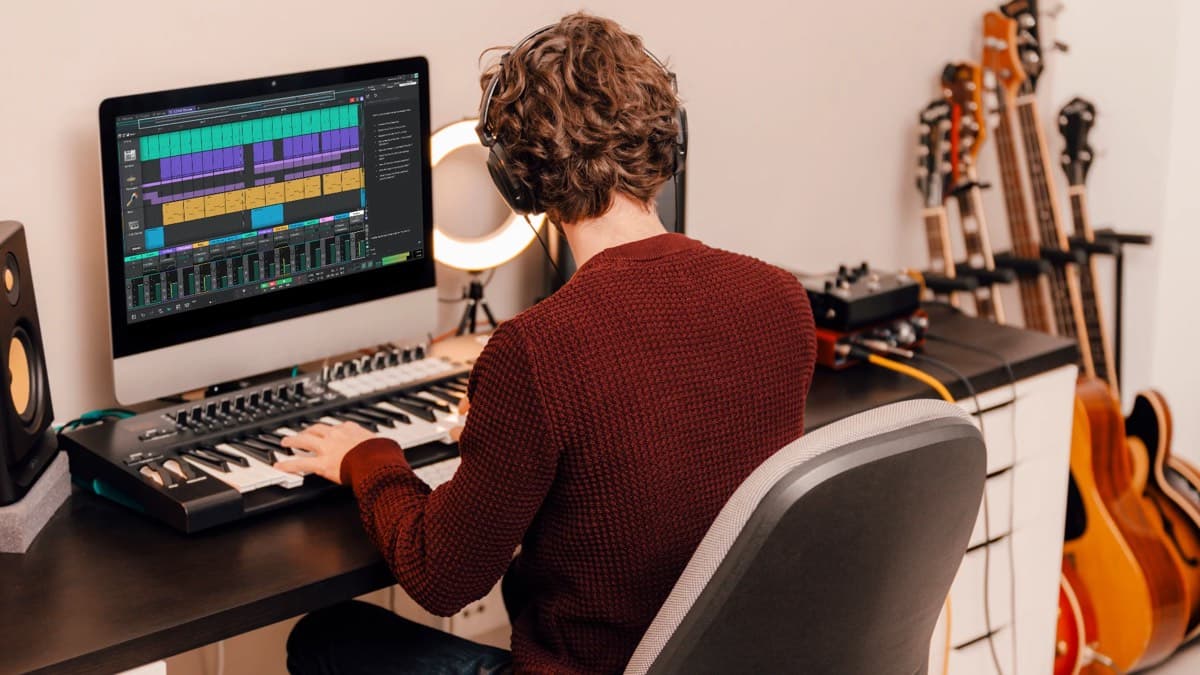
Free DAWs usually ask you to give something up. A track limit, a locked export, no third-party plugins, or a nag screen pushing the paid tier. Tracktion Waveform Free 14 skips most of that. It runs an unlimited track count, hosts VST, VST3, and AU plugins, and now ships a built-in AI assistant. And it still costs nothing.
Here's what version 14 changes, what the specs actually are, and where the paid Waveform Pro upgrade fits in.
Waveform Free 14 at a glance
- Price: Free. No track limits, no export limits, no commercial-use restrictions.
- New in v14: LLM-driven AI Assistant, redesigned high-contrast interface, refreshed stock plugins.
- Platforms: macOS 13+, Windows 10/11 (64-bit). Linux is listed as coming soon.
- Plugin support: VST, VST3, and AU.
- Included: 14 audio effects, 8 MIDI effects, 11 utility plugins, 4 instruments.
- Upgrade path: Buy individual feature expansions from $30, or move up to Waveform Pro.
What's new in Waveform 14?
Waveform 14 is a full-version release, and the free edition inherits the headline additions rather than a stripped-down subset. Three changes stand out: the AI Assistant, the interface overhaul, and a top-to-bottom refresh of the stock plugins.
The built-in AI Assistant
The Assistant is the reason Waveform 14 is getting attention, and it's genuinely unusual in a free DAW. According to Tracktion, it's LLM-driven and "deeply integrated into your creative workflow." In practice, that means two main jobs.
First, it answers functionality questions using the built-in user manual, so you can ask how a feature works without leaving the session. Second, it helps you explore production and composition ideas when you're stuck. Tracktion is careful to frame it as a helper, not a co-writer. It's built to keep you moving "without taking over the music making."
The pricing model is worth understanding. The Assistant lets you choose the model that suits the moment and pay as you go, with no separate subscription attached to the DAW. So the software stays free, and you only pay for the AI usage you actually run. That's a fair trade, but it does mean the Assistant is not strictly zero-cost to use, even though Waveform itself is.
A redesigned interface
The interface got a complete refresh. Waveform 14 introduces new light and dark schemes and a bolder, higher-contrast look than previous versions. The customizable color editor returns with more than 20 presets, so you can tweak the environment or build your own from scratch.
For a DAW that has long divided opinion on looks, this is a meaningful update. The workspace reads as cleaner and more focused, which lowers the barrier for newcomers.
Refreshed stock plugins and instruments
Tracktion rebuilt the entire stock DSP collection for version 14, citing improved performance, functionality, and visual design. The free edition includes:
- 14 audio effects, including Compressor, Gate, Limiter, Chorus, Phaser, Stereo Delay, Distortion, three reverbs (Non-Linear, Plate, and Natural), an Impulse Response loader, DJ Filter, and single-, three-, and eight-band EQs.
- 11 utility plugins, such as an AB switch, mono converter, mid/side splitter, spectrum analyzer, and MIDI CC and note-name tools.
- 8 MIDI effects for shaping and generating parts.
- 4 instruments: the 4OSC synth, Micro Drum Sampler, Micro Sampler, and a Rompler.
Recording and composition stay simple, with tools like Retrospective Record and a pattern generator carried over. It's a complete starter toolkit that doesn't force you toward paid add-ons on day one.
Waveform Free 14 specifications
| Specification | Waveform Free 14 |
|---|---|
| Price | Free ($0) |
| Track count | Unlimited |
| Plugin formats | VST, VST3, AU |
| Audio effects | 14 |
| MIDI effects | 8 |
| Utility plugins | 11 |
| Instruments | 4 (4OSC, Micro Drum Sampler, Micro Sampler, Rompler) |
| AI Assistant | Yes (LLM-driven, pay-as-you-go usage) |
| macOS | 13 or later, 64-bit Intel or Apple Silicon |
| Windows | 10 or 11, 64-bit |
| Linux | Listed as coming soon |
| Commercial use | Allowed, no restrictions |
| Expansions | Individual feature expansions from $30 |
Waveform Free 14 vs GarageBand
GarageBand is the free DAW most beginners meet first, so it's a useful yardstick. The two tools aim at different users, and the contrast is clear once you look past the shared $0 price tag.
| Feature | Waveform Free 14 | GarageBand |
|---|---|---|
| Price | Free | Free (with Apple devices) |
| Platforms | macOS, Windows (Linux coming soon) | macOS and iOS/iPadOS only |
| Third-party plugins | VST, VST3, AU | Audio Units only (macOS); none on iOS |
| Track count | Unlimited | Generous, but device-dependent |
| Built-in AI assistant | Yes | No |
| Upgrade path | Waveform Pro (same DAW, paid features) | Logic Pro (separate paid app) |
| Best for | Producers wanting a full, cross-platform workflow | Mac and iOS beginners and songwriters |
The takeaway is straightforward. GarageBand is the friendlier on-ramp if you live entirely on Apple hardware. Waveform Free is the better long-term home if you use Windows, want VST support, or plan to grow into a professional setup without switching DAWs.
Who is Waveform Free 14 for?
Waveform Free 14 fits several types of producer well:
- Beginners on a budget who want a real DAW, not a demo, and don't want to hit a track wall two projects in.
- Windows and cross-platform users who feel underserved by Apple-only free tools like GarageBand.
- Producers curious about AI in the DAW who'd rather test the idea inside a free host than pay for a premium tier elsewhere.
- Anyone building a modular setup who wants to add only the features they need through paid expansions.
It's less ideal if you want a specific pro-grade feature out of the box, or if you'd rather avoid any pay-as-you-go AI cost. In those cases, look at the expansions or Waveform Pro instead.
Pricing: free, plus the Waveform Pro upgrade
Waveform Free 14 is free to download, with no track or export limits and full commercial rights to what you make. You can extend it two ways.
The first is à la carte. Tracktion sells individual feature expansions for Waveform Free starting at $30, so you can add specific Pro capabilities without buying the full application.
The second is the full upgrade to Waveform Pro. Standard pricing looks like this:
- Waveform Pro: $249 (upgrade pricing available for existing users)
- Recommended Bundle: $349
- Studio Content Bundle: $599
- Everything Bundle: $999
Tracktion runs frequent seasonal sales, so the effective price is often well below list. If you've already bought Waveform Free expansions, Tracktion offers custom upgrade pricing through its support team, so you're not paying twice for the same features. You can check current pricing and grab the free download at Tracktion's official site, or find Waveform Free on Plugin Boutique.
Once the DAW is running, the fastest way to level up your tracks is fresh sounds. Pair Waveform with a sample library from Loopcloud and you have a complete, low-cost production setup.
Frequently asked questions
Is Waveform Free 14 actually free? Yes. The DAW is free with no track limits, no export limits, and no restrictions on selling your music. The optional AI Assistant uses a pay-as-you-go model, and paid feature expansions start at $30.
Does Waveform Free have a track limit? No. It offers an unlimited track count, which sets it apart from many free DAWs that cap audio tracks.
Can I use third-party plugins? Yes. Waveform Free hosts VST, VST3, and AU plugins, so you can bring in your existing free and paid instruments and effects.
What platforms does it run on? macOS 13 or later (Intel or Apple Silicon) and Windows 10 or 11, both 64-bit. Tracktion lists Linux support as coming soon.
How does the AI Assistant pricing work? The DAW is free, but the Assistant runs on a pay-as-you-go basis. You choose the model for a given task and pay for the usage, with no separate subscription tied to Waveform.
What's the difference between Waveform Free and Waveform Pro? Free covers the core DAW, stock plugins, and the AI Assistant. Pro adds advanced production, mixing, and composition features. You can also buy individual expansions to add specific Pro features to the free edition.
The bottom line
Waveform Free 14 raises the bar for what "free DAW" means. Unlimited tracks, full plugin support, refreshed stock effects, and a built-in AI Assistant add up to a package that would have sat behind a paywall a few years ago. The pay-as-you-go AI is the one asterisk, but it's optional, and the rest of the DAW stands on its own. For a no-cost starting point that can grow with you, it's one of the strongest options available.