Suno Voices: How to Make AI Songs With Your Own Voice in 2026
Suno Voices lets you sing AI-generated songs in your own voice. Here's what it does, how the verification works, what it costs, and whether it's worth it.
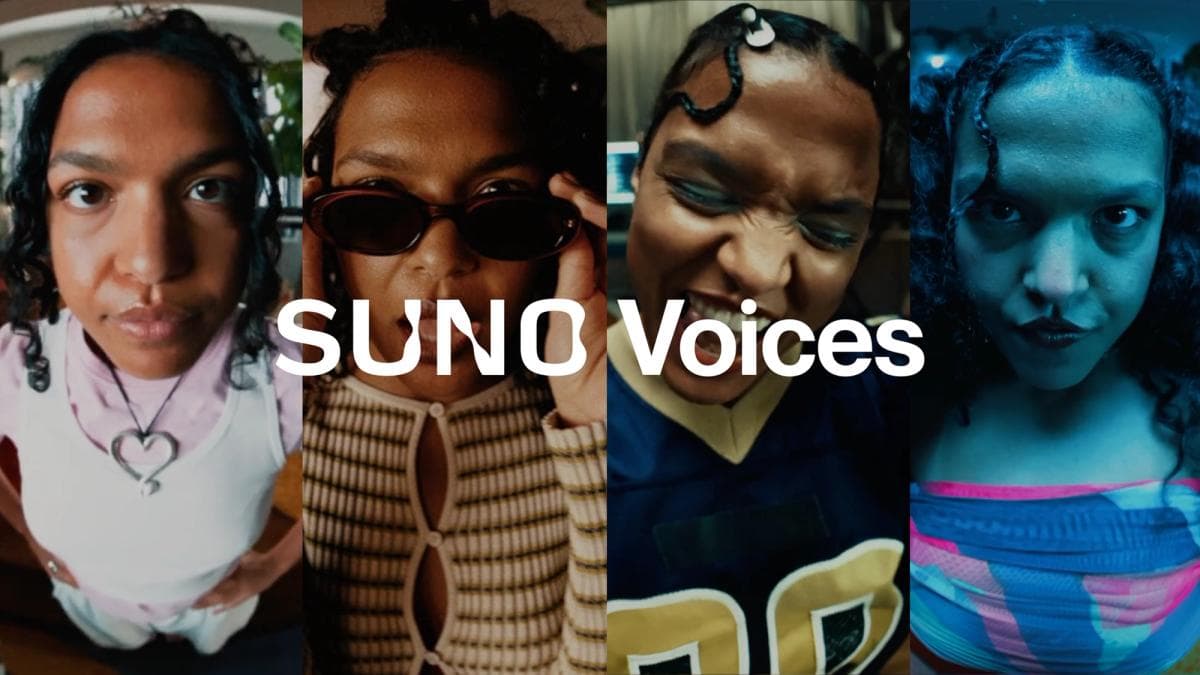
Suno's most-requested feature has arrived. Voices lets you generate full AI songs that sing in your own voice, not a generic synthetic one. It is the clearest step yet toward a personal vocal model inside an AI music tool.
This guide explains what Voices actually does, how the verification works, what it costs, and whether it earns a place in your workflow. For the wider picture, see our Suno vs Udio comparison and our best AI music generators guide.
What is Suno Voices?
Voices is a personalization feature in Suno. You record or upload a sample of your own singing, and Suno builds a voice you can then use as the lead vocalist on generated tracks. Instead of a default AI singer, the song sings as you.
According to Suno, Voices shipped as part of the v5.5 model release and has since expanded with workflow guidance for getting clean results. It is currently available on the web to paid subscribers.
The feature solves a long-standing gap. Producers wanted their own identity in AI vocals, not a stock voice shared by everyone. Voices makes that possible without a studio session.
How does the verification work?
Suno built in a consent step to prevent misuse. Before a voice is created, you record a randomly generated phrase. Suno matches that phrase against your uploaded sample to confirm the voice is actually yours.
This is an important guardrail. It means you cannot simply upload a famous singer's acapella and clone it. The system is designed for your voice, recorded by you, in the moment.
Acapella recordings work best. Files with backing music are still accepted, since Suno isolates the vocal automatically using stem separation before building the voice.
How do you get a good result?
The quality of your voice depends heavily on the quality of your input. Suno's own guidance lines up with standard vocal-recording common sense.
- Record somewhere quiet. Avoid background noise and echo-prone rooms.
- Do a practice take first. Warm up before the take that counts.
- Favor authenticity over perfection. Genuine expression reads better than a sterile, flawless take.
- Give it length. Aim for at least a minute of material for more consistent results.
- Match your voice to the genre. Experiment to find styles that fit your tone.
- Stay experimental. Unexpected genre pairings often surprise you.
If you want to push the output further, our guides on mixing AI-generated stems and turning an AI track into a real arrangement cover what to do after the song is generated.
How much does Suno Voices cost?
Voices is a paid feature. It is available to Suno's paid subscribers on the web, not on the free tier.
Suno's Pro plan starts at $8 per month on annual billing and includes commercial rights, stem splitting, and the Song Editor. The Premier plan at $24 per month annual adds Suno Studio, MIDI export, and a larger monthly credit allowance. Free-tier output remains non-commercial.
For most creators who want to use their own voice on releasable tracks, the Pro plan is the practical entry point.
Is Suno Voices worth it?
For singers and songwriters, Voices is genuinely compelling. It removes the gap between a quick idea and a vocal that sounds like you, with no booking, no engineer, and no retakes for pitch.
It is less essential if you only make instrumentals. In that case, a tool like Stable Audio 3 may suit you better, since it focuses on instrumental music and sound design rather than vocals.
The honest caveat is the same one that applies to all AI music in 2026. The consent step protects against cloning other people, but formal copyright protection for AI-assisted vocals still varies by jurisdiction. For the legal landscape, see our AI music licensing explainer.
Frequently Asked Questions
Can I use any voice with Suno Voices?
No. Suno requires a real-time verification phrase that must match your uploaded sample. The feature is designed for your own voice, not for cloning other people.
Do I need a clean acapella?
A clean acapella gives the best results, but it is not strictly required. Suno can isolate your vocal from a file that includes backing music using stem separation.
Is Voices on the free plan?
No. Voices is available to paid subscribers on the web. Free-tier tracks also remain non-commercial.
Can I sell songs made with my own Suno voice?
Paid plans grant commercial rights to songs you create while subscribed. As always with AI music, formal copyright protection depends on local law and is not guaranteed.