DAW / plugin file

Splice Create

Splice / Free

Splice Create is a free macOS DAW powered by the Splice sample catalog, with voice and text control, built-in instruments and a $9.99/mo Pro tier.

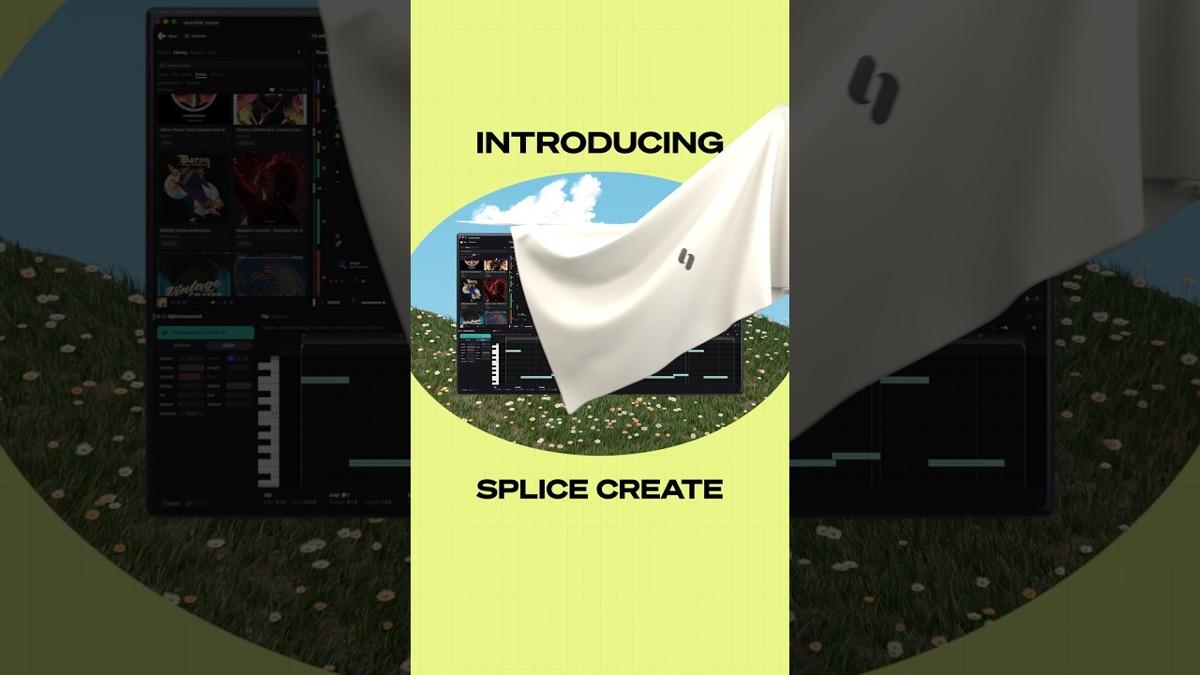
Splice Create, a full DAW powered by Splice, running on macOS
Le verdict Dubspot

Le verdict Dubspot

A free, Splice-powered macOS DAW that wraps the royalty-free sample catalog, built-in instruments and a text-and-voice assistant into one app that teaches as you go. Currently a macOS beta with Windows and web to come.

Idéal pour Beginners and Splice subscribers who want a guided, catalog-first sketchpad that exports to a pro DAW.

Pros

  • Free, with the full app and no time limit
  • Splice Sounds catalog built in and 100% royalty-free
  • Voice and text control, Point guidance and Assist for a learn-as-you-go workflow
  • Exports WAV and stems and opens sessions in Ableton Live

Cons

  • macOS 12+ only at launch, still in beta
  • Experienced producers will not need the guidance
  • Export and unlimited samples require the Create Pro subscription

Field notes

Aperçu

Splice Create is Splice's first full desktop DAW, launched in beta for macOS in early November 2026. It takes the royalty-free Splice Sounds catalog that producers already rely on and builds a complete production environment around it, with built-in instruments, rent-to-own plugins, and a text-and-voice assistant that explains the workflow as you go.

The pitch is aimed at producers who have ideas but stall on the mechanics of a traditional DAW. Features like Point, which shows you the next step inside the session, and Assist, which handles repetitive tasks without generating sounds for you, are there to carry a beginner from a blank page to a finished loop. The app is free with no time limit, and Create Pro at $9.99/mo introductory unlocks WAV and stem export plus unlimited samples.

Compared with alternatives such as GarageBand, Ableton Live, and FL Studio, Create is the catalog-first, guided option, best as a free sketchpad that exports into a pro DAW once you outgrow it. Read the full breakdown in our Splice Create first look.

Technical matrix

Spécifications

Type
Standalone desktop DAW
Platform
macOS 12 or later (beta)
Coming soon
Windows and web versions
Bundled sounds
Splice Sounds catalog, 100% royalty-free
Instruments
Splice INSTRUMENT virtual instruments
Plugins
130+ rent-to-own tools, interest-free monthly payments
Assistance
Voice and text control, Point guidance, Assist
Export
Full mixes or stems as WAV (Create Pro)
DAW interop
Open sessions in Ableton Live; shortcut presets for Ableton, Logic, Bitwig, Pro Tools
Price
Free; Create Pro $9.99/mo introductory

Dernière vérification 2026-11-07

Quick reference

FAQ

Is Splice Create free?

Yes. The full app is free with no card and no time limit. A Create Pro tier at $9.99/mo introductory adds WAV and stem export and unlimited Splice samples without credits.

What platforms does Splice Create run on?

It is a macOS 12 or later app, currently in beta. Splice lists Windows and web versions as coming soon.

Do I need a separate Splice subscription?

No. The Splice Sounds catalog is built in. The free tier uses samples with credits, and Create Pro removes the credit limit.

Can I open Splice Create projects in another DAW?

Yes. You can export sessions and open them in Ableton Live, and the app ships shortcut presets for Ableton, Logic, Bitwig and Pro Tools.

Comparison matrix

Concurrents directs

Splice Create vs — head-to-head specs, price, and Dubspot Score.

GarageBand8.1
Splice Create vs GarageBand
Comparer →
Ableton Live 129.2
Splice Create vs Ableton Live 12
Comparer →
FL Studio8.7
Splice Create vs FL Studio
Comparer →
REAPER9.0
Splice Create vs REAPER
Comparer →

Adjacent signals

Plugins associés

Further routing

Voir aussi