Some links on this page are affiliate links. If you buy through them, Dubspot may earn a commission at no extra cost to you. It never affects our scores or what we recommend (read our policy).
Suno Studio Chat: An AI Assistant Inside the DAW
Suno Studio's Chat is a plain-language assistant that renames tracks, moves faders, builds plugins, and critiques your mix. Here is what it does and who it suits.
T
Theo Nakamura
November 5, 2026 · 9 min read
Dubspot's best Black Friday dealDrum Programming and Groove Production Course: $19, was $99 ↗
Suno published a closer look at Chat, the built-in assistant inside its Suno Studio DAW, on October 29, 2026. The pitch is that the studio assistant, a human role most modern DAWs quietly dropped, is back, except this one lives in the software and takes instructions in plain language. Ask it to rename your tracks or pull every fader down 3 dB, and it does the work while you keep your hands on the music.
Suno Studio Chat at a glance
- What it is: A natural-language assistant built into Suno Studio, Suno's browser DAW.
- What it does: Creates stems and plugins, renames tracks, moves multiple faders at once, adds and configures effects, and gives feedback on your work.
- How you use it: You type instructions the way you would brief an assistant, and Chat carries them out on your project.
- Who gets it: Included with every Premier subscription, the same tier that unlocks Suno Studio.
- Why it matters: It turns tedious, repetitive studio tasks into one-line requests, and few DAWs ship an assistant that reaches this far into a project.
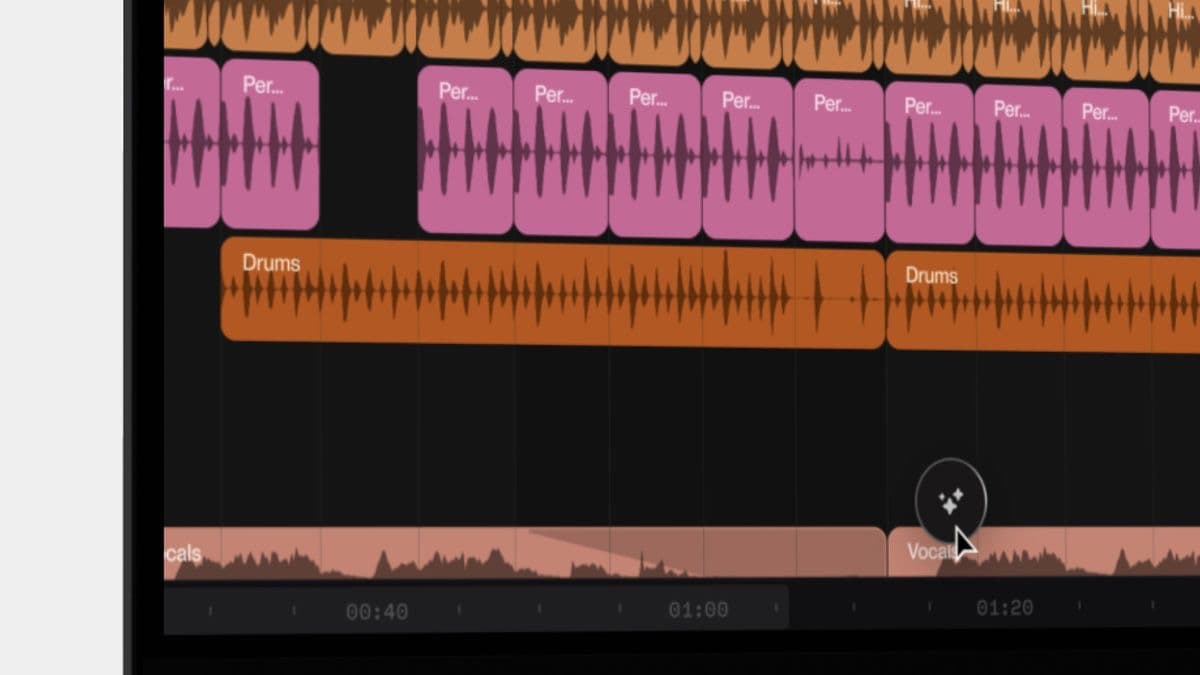
Suno's own introduction to Studio shows the interface Chat sits inside:
What is Suno Studio Chat?
Suno frames Chat as the revival of an old studio role. For decades, a recording session had an assistant engineer who handled the unglamorous jobs: labeling tracks, dialing in rough levels, patching in the right processing, and freeing the people making creative decisions to keep making them. As production moved into software and then onto laptops, that role mostly disappeared, and the producer became the assistant too.
Chat puts the assistant back, inside the DAW itself. It is a personal assistant you talk to in plain language, and it operates on your Suno Studio project directly. You are not learning a menu or hunting for a parameter; you describe the outcome, and Chat performs the steps. Suno notes that very few DAWs ship an assistant this capable, naming FL Studio, Fender Studio Pro, and Logic Pro as the small company it keeps. Suno Studio is its browser-based generative DAW, and Chat is the layer that makes its deeper editing reachable without a manual.
What Suno Studio Chat can do
The value is in how ordinary the requests are. These are the jobs that eat a producer's time without adding anything creative, and Chat absorbs them.
Build stems and plugins on demand
Chat can create stems and plugins for, in Suno's words, any conceivable instrument or voice. That ties directly into Studio's chat-built plugin system, where custom processing is designed through conversation rather than coded, and then saved to your library for reuse.
Rename and organize tracks
A messy session is a slow session. Chat can rename tracks to match their clip names in one request, so a project full of generically labeled lanes becomes readable without you clicking into each one.
Move many faders at once
Level changes that would be tedious by hand become a sentence. Ask Chat to lower all tracks by 3 dB and it adjusts every fader together, which is the kind of bulk gain staging that normally means a lot of careful dragging.
Add and configure effects across the project
Chat can add Studio's own Compressor and EQ, or your own plugins, to every track at once. It can also set the parameters, not just insert the processor: Suno's example is placing a high-pass filter at 82 Hz on every EQ in the session. That is a real mixing move, specified in plain language and applied project-wide.
Give feedback and ideas
Beyond executing tasks, Chat can comment on your work and suggest creative directions, including unusual genre and tempo combinations. It is positioned as a second opinion as well as a pair of hands.
Suno Studio Chat specifications
| Spec | Detail |
|---|---|
| Type | Built-in natural-language assistant |
| Lives in | Suno Studio (browser DAW) |
| Interface | Plain-language chat |
| Task scope | Project-wide (all tracks at once) or targeted |
| Can create | Stems, plugins for any instrument or voice |
| Can edit | Track names, fader levels, effects and their parameters |
| Can advise | Feedback and creative suggestions |
| Plan | Included with every Premier subscription |
| Platform | Browser, within Suno Studio |
Suno Studio Chat vs other DAW assistants
Suno is not the only DAW with an assistant, but the shape of each differs. Here is how Chat compares to the two best-known examples among the names Suno cites.
| Suno Studio Chat | Logic Pro assistant | FL Studio | |
|---|---|---|---|
| Interface | Plain-language chat | AI assistant plus session players | Built-in helper features |
| Builds plugins from a prompt | Yes | No | No |
| Bulk actions across tracks | Yes, all faders or all EQs at once | Limited | Limited |
| Sets effect parameters by instruction | Yes, such as 82 Hz high-pass on every EQ | No | No |
| Lives inside a generative DAW | Yes | No | No |
| Platform | Browser | macOS and iPad | Windows and macOS |
Which to pick. If your work already lives in Suno and you want the fastest route through housekeeping and bulk mix moves, Chat is unusually deep. If you record live audio and want a traditional, release-focused workflow, Logic Pro's recent AI update or FL Studio will suit you better. The comparison is less about which assistant is smartest and more about which DAW you want to work in.
Who Suno Studio Chat is for
Consider it if you already pay for Premier and spend real time on session cleanup, gain staging, and repetitive effect placement. Chat turns those into one-line requests, which is a genuine time saver for anyone who produces at volume. It also helps newer producers reach Studio's deeper features, because you can ask for a result instead of knowing where every control lives.
Approach with care if you want precise, hands-on control of every move, or if you work mainly outside Suno. Chat is tied to Suno Studio and the Premier plan, so it is not a general-purpose assistant you can bring to another DAW. And as with any generative tool, keep an eye on the rights picture for AI music before you build a commercial release on top of it.
How much does Suno Studio Chat cost?
Chat has no separate price. It is included with every Premier subscription, which is also the only plan that unlocks Suno Studio itself; Pro and Free do not include Studio. Suno lists current Premier pricing on its pricing page. Because Chat and Studio are bundled into Premier rather than sold on their own, the question is really whether the full Studio workstation is worth the plan for how you work.
FAQ
Do I need a paid plan to use Suno Studio Chat?
Yes. Chat is part of Suno Studio, which is included only with the Premier subscription. The Pro and Free tiers do not include Suno Studio or Chat.
What can Suno Studio Chat actually change in my project?
Chat can create stems and plugins, rename tracks to match their clips, adjust many faders at once, add Studio's Compressor and EQ or your own plugins to every track, and set effect parameters such as a high-pass filter frequency. It can also give feedback and suggest creative directions.
Is Suno Studio Chat the same as prompting a song on Create?
No. Create generates whole songs from text, audio, or now a MIDI file. Chat is an assistant inside the Suno Studio DAW that acts on an existing project, handling mixing and organization tasks rather than generating a finished track from a prompt.
How is Chat different from other DAW assistants?
Suno positions Chat alongside assistants in FL Studio, Fender Studio Pro, and Logic Pro, but it goes further in two ways: it builds custom plugins from a prompt, and it performs bulk, parameter-level actions across a whole session, such as setting the same EQ high-pass on every track.
Can Chat give feedback on my music?
Yes. Beyond carrying out tasks, Chat can comment on your work and suggest ideas, including less obvious genre and tempo combinations, so it doubles as a second opinion.
The bottom line
Chat is a smart bet on where DAWs are heading. Rather than adding another panel of controls, Suno removed a layer of friction, letting you describe an outcome and have the software reach it. The standout moves are the ones no mainstream DAW assistant matches yet: building a plugin from a sentence, and applying a precise effect setting to every track at once. It is Premier-only and tied to Suno Studio, so it is not for everyone. But for producers who already work there, Chat is one of the most practical uses of AI in a DAW to date.