Some links on this page are affiliate links. If you buy through them, Dubspot may earn a commission at no extra cost to you. It never affects our scores or what we recommend (read our policy).
Suno MIDI: Start a Song From a MIDI File in Create
Suno now lets Pro and Premier users start a song from a MIDI file on the Create page. Here is how MIDI input works, what it does, and who it is for.
T
Theo Nakamura
November 5, 2026 · 9 min read
Dubspot's best Black Friday dealDrum Programming and Groove Production Course: $19, was $99 ↗
Suno added MIDI input to its main Create page on November 4, 2026. You can now drop a MIDI file into a prompt and have Suno build a finished-sounding track from the exact notes you wrote. It's a small change with a big implication. For the first time, a melody you composed, rather than a sentence you typed, can be the seed of a Suno song.
Suno MIDI at a glance
- What it is: MIDI file input on the Create page, so a song can start from notes and timing instead of a text prompt alone.
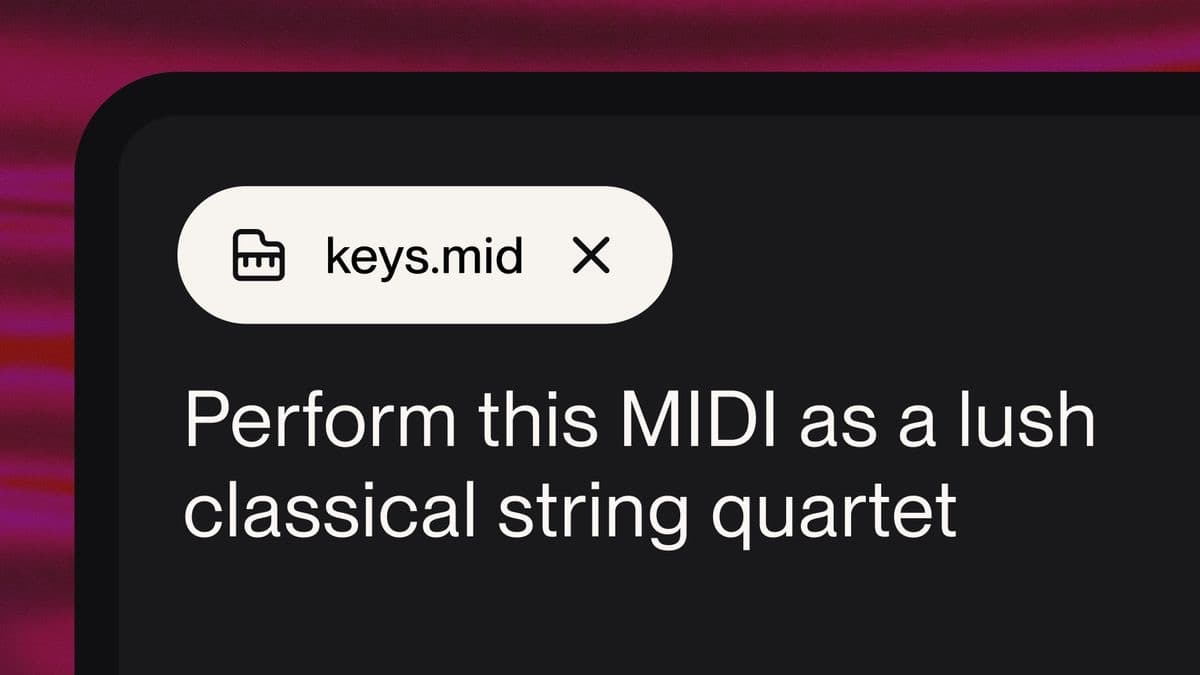
- How you use it: Drag a .mid or .midi file onto Create, or add it from the "+" menu, then describe in plain language how Suno should use it.
- The models: At launch, MIDI runs in Simple Create mode using the v6-wild model.
- Who gets it: Available to all Pro and Premier subscribers.
- Why it matters: It bridges the gap between writing music and generating it, giving composers a way to keep their own notes and chords while Suno handles arrangement and sound.
Suno's own channel walks through MIDI inside its Studio DAW, which shares the same note engine:
What is MIDI input in Suno Create?
A MIDI file holds the notes and timing of a musical part, but no audio. Think of the difference between sheet music and a recording. MIDI tells a system which notes play and when, and it leaves the actual sound to whatever instrument reads it. That's also MIDI's historic weakness. The stock synthesizers that played back MIDI files for decades sounded thin and lifeless, and the format carries little of the articulation and feel a real performance has.
Suno's new feature reframes that weakness as an opening. Instead of asking a built-in synth to voice your MIDI, you hand the notes to a generative model and let it decide how the part should sound. The notes and chord progression can stay exactly as you wrote them, while the instrumentation, performance, and production come from Suno. In practice, a four-bar piano sketch can become a full orchestral statement, a gospel arrangement, or a string quartet, without you playing a single one of those instruments.
This sits alongside the MIDI support Suno shipped earlier in Suno Studio 2.0, its browser DAW. The difference is reach. Studio is a Premier-only workstation with a timeline; the Create page is where most people make songs, and putting MIDI there brings note-level input to a far larger group of users.
How starting a song from MIDI works
The flow is deliberately simple, which is the point of putting it on Create rather than burying it in the DAW.
1. Add the MIDI file
Drag a .mid or .midi file straight onto the Create page, or add it through the "+" menu next to the prompt. Suno reads the notes and timing from the file.
2. Describe how Suno should use it
This is where the natural-language layer does the work. You're not limited to a literal playback. You can ask Suno to develop a top-line motif into new ideas, play the part on different instrumentation, or follow your notes exactly. Three short examples Suno gives are a full orchestra, a gospel choir with piano, and a string quartet. The MIDI sets the pitches and rhythm; your prompt sets everything else.
3. Generate
Suno produces audio from the combination of your notes and your instructions. If you asked it to keep the notes and chord progression exactly as written, it holds to them. If you asked it to treat the file as a starting point, it uses your material as a springboard rather than a cage.
At launch, this all happens in Simple Create mode with the v6-wild model, the looser and more experimental member of the Suno v6 family. Suno describes MIDI as a first release and says it plans to expand the capability over time, so expect more Create modes and models to accept MIDI input later.
Suno MIDI specifications
| Spec | Detail |
|---|---|
| Feature | MIDI file input on the Create page |
| Accepted files | .mid, .midi |
| How to add | Drag and drop, or the "+" menu |
| Control | Natural-language prompt (follow exactly, develop, or reinstrument) |
| Create mode at launch | Simple Create |
| Model at launch | v6-wild |
| Plans | Pro and Premier |
| Output | Generated audio shaped by your notes and prompt |
| Status | First release, with expansion planned |
Suno MIDI vs Udio and a traditional DAW
Note-level input changes how Suno compares to the other ways producers turn an idea into finished audio. Here is how starting from MIDI lines up against the main alternatives.
| Suno MIDI (Create) | Udio | Traditional DAW + MIDI | |
|---|---|---|---|
| Start from your own notes | Yes, from a MIDI file | No MIDI input | Yes, that is the default |
| Who performs the part | Generative model | Generative model (from text/audio) | Sampled or synth instruments you choose |
| Control over the notes | Exact, if you ask | Prompt and audio only | Total, note by note |
| Effort to a full arrangement | One prompt | One prompt | High, you build every layer |
| Realism of instruments | Model-generated | Model-generated | Depends on your libraries |
| Best for | Composers who want their notes, not their typing, to lead | Text-to-music sketching | Full manual production and release-ready mixes |
Which to pick. Reach for Suno MIDI when you can already write a part but don't want to perform or program every instrument behind it. Choose Udio if you prefer its sound and work mainly from text and audio prompts. Stay in a conventional DAW when you need total control over every note and a mix you will release commercially. Our best AI music generators guide tracks how these tools move against each other.
Who Suno MIDI is for
Consider it if you write music but aren't a multi-instrumentalist. A pianist who sketches a chord progression, a songwriter with a vocal melody in a MIDI file, or a composer testing an idea across different ensembles all gain a fast way to hear their notes fully arranged. It's also useful for anyone who found pure text prompting too random, because the MIDI anchors the result to real musical material.
Approach with care if you need the finished audio to match your notes with studio precision, or if commercial rights are central to your project. MIDI input narrows the randomness, but this is still a generative model, and the legal questions around AI music haven't fully settled. Check the current plan terms before building a release around generated audio.
How much does Suno MIDI cost?
MIDI input on Create is available to all Pro and Premier subscribers, so there's no separate charge for the feature itself. It comes with those plans. Free users aren't listed as having access at launch. Premier is also the tier that unlocks the full Suno Studio DAW, where MIDI lives on a timeline. Suno lists current plan pricing on its pricing page, and the plan details change often enough that it's worth checking there before you subscribe.
FAQ
What file types does Suno MIDI accept?
Suno accepts standard MIDI files with the .mid or .midi extension. You add them on the Create page by dragging the file in or choosing MIDI from the "+" menu.
Can Suno follow my MIDI notes exactly?
Yes. In your prompt you can ask Suno to keep the notes and chord progression exactly as they appear in the file. You can also ask it to treat the MIDI as a starting point and develop new ideas from it, or to play the same part on different instrumentation.
Do I need Suno Premier to use MIDI on Create?
No. MIDI input on the Create page is available to both Pro and Premier subscribers. Premier adds the full Suno Studio DAW, which has its own timeline-based MIDI, but you do not need Premier just to start a Create song from a MIDI file.
Which Suno model handles MIDI?
At launch, MIDI input uses Simple Create mode with the v6-wild model. Suno describes this as a first release and says it plans to expand MIDI capabilities to more modes and models over time.
Is Suno MIDI the same as the MIDI in Suno Studio?
They share the same idea but live in different places. Studio MIDI sits on a full timeline inside Suno's Premier DAW, where you can edit clips and build a multitrack project. Create MIDI is a single-prompt workflow on the main Create page, and it's open to Pro and Premier users.
The bottom line
Putting MIDI on the Create page is a quiet feature with an outsized effect. It moves Suno one more step away from the slot-machine reputation of early text-to-music and toward a tool that respects what a musician already brought to the session. Your notes lead, Suno arranges, and the gap between writing a part and hearing it fully produced gets a lot shorter. It's a first release with more promised, but the direction is clear and it's the right one.