FL Studio 2026: Rebuilt FLEX, Cloud Backup, New Chords
FL Studio 2026 is in public beta with a rebuilt FLEX synth, automatic FL Cloud project backup, and smarter chord tools — a free update for all owners.
Black Friday 2026FL Studio Black Friday 2026: dates and deals →
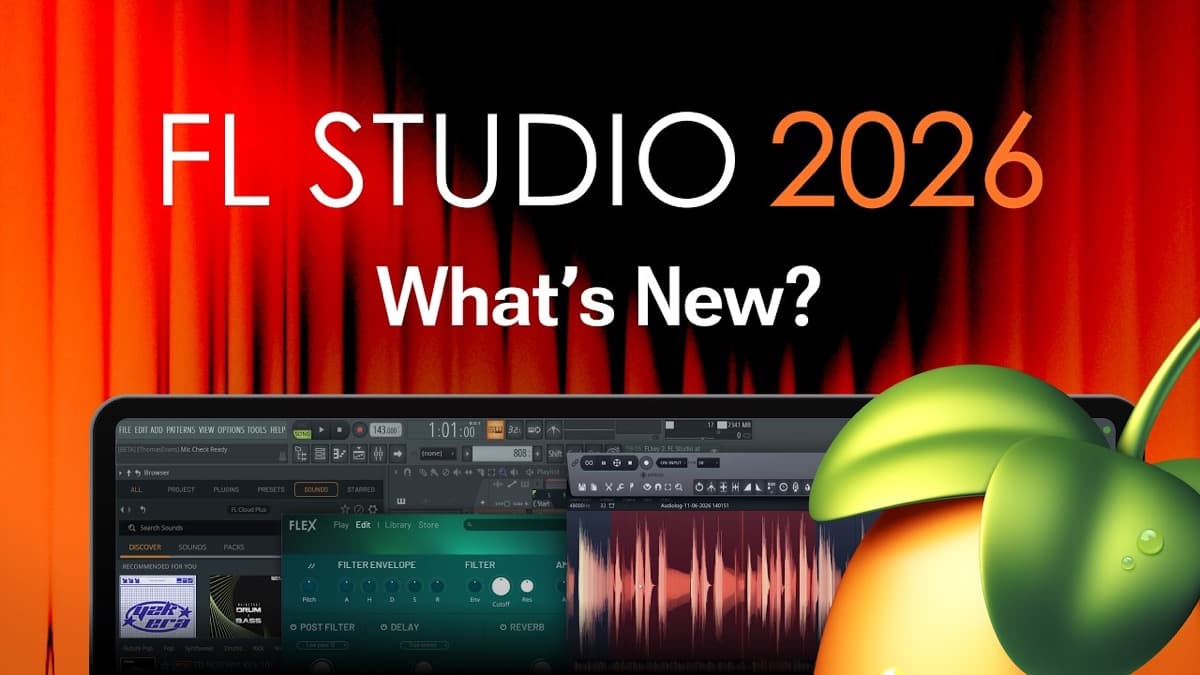
FL Studio 2026 is here as a public beta, and it is shaping up to be a practical, workflow-focused update. The current stable release is still FL Studio 2025, so treat everything below as a preview of what is coming rather than a finished, shipping version. Features can shift before the final release.
The headline news is not one flashy feature. It is a stack of quality-of-life upgrades: a rebuilt FLEX synth, automatic cloud backup for your projects, and a smarter set of chord tools in the piano roll. As always with Image-Line, the update is free for existing owners under the Lifetime Free Updates policy. If you own any edition of FL Studio, 2026 will cost you nothing.
If you followed our coverage of last year's release, this reads like a natural next step. For the full picture of where it started, see our FL Studio 2025 breakdown.
FL Studio 2026 at a glance
- FLEX rebuilt with a new synthesis engine and up to 50% lower CPU on 2nd-generation packs
- FL Cloud project backup with tiered storage: 500 MB free, 5 GB Plus, 1 TB Pro
- New chord tools in the piano roll, including a redesigned Chord Stamp Tool with voice-leading
- Audio Logger that continuously records the Master Mixer Track
- FPC layering, audio clip normalization, and macOS performance gains
- Free update for all owners, currently in public beta
The headline new features
Here is a quick summary of what changes in this beta, and who each addition helps most.
| Feature area | What's new | Who benefits |
|---|---|---|
| FLEX | New engine, up to 50% lower CPU, redesigned UI, better search, random-preset button | Producers who lean on presets and want lighter projects |
| FL Cloud backup | Automatic project backup, tiered storage (500 MB / 5 GB / 1 TB) | Anyone who has ever lost work to a crash |
| Piano roll | Chord Progression Tool, upgraded Chord Stamp Tool, custom key labels | Songwriters and beatmakers building harmony |
| Audio Logger | Continuous recording of the Master Mixer Track | Improvisers who don't want to lose a happy accident |
| FPC | Multiple samples per pad for instant layering | Drum programmers and finger drummers |
| Performance | Faster plugin loading, macOS Audio Workgroups support | Large-project users, especially on Mac |
FLEX, rebuilt from the inside
FLEX has always been Image-Line's preset-driven synth, and 2026 gives it a full rework. The engine is new, and the payoff is efficiency. On 2nd-generation packs, Image-Line reports up to 50% lower CPU use, which is meaningful when you stack several instances across a busy project.
The interface is redesigned too. Controls are simpler, and search now works at both the pack and preset level, so finding a sound is faster. The random-preset button returns for quick inspiration, and there are theme choices for the look of the plugin. None of this reinvents how FLEX works. It just removes friction.
For producers who build tracks from presets, a lighter FLEX is genuinely useful. It leaves more headroom for heavier instruments elsewhere in the session. If you want a wavetable-style workhorse to sit alongside it, a deeper synth like Serum 2 covers different ground, but it also costs far more CPU. For a wider look at low-cost options, our best free synth VSTs guide is a good starting point.
FL Cloud project backup
The most reassuring addition is automatic project backup through FL Cloud. FL Studio now saves your projects to the cloud, so a crashed drive or a forgotten save is no longer a disaster. You can trigger a save from the File menu or enable automatic backups in Project settings.
Storage is tiered. The free plan includes 500 MB, Plus steps up to 5 GB, and Pro offers 1 TB for producers with large libraries and long session histories. FL Cloud also remains the royalty-free sample library it was before, with over one million sounds. If you are hunting for more material to pair with it, our best sample pack sites roundup covers strong alternatives.
Cloud backup is not glamorous. It is the kind of feature you appreciate only once it saves a project you thought was gone.
Piano roll and chord tools
FL Studio's piano roll is widely regarded as one of the best in any DAW, and 2026 sharpens its harmony tools. The right-click Tools icon now opens the Chord Progression Tool, replacing the older Riff Machine. This puts chord generation front and center rather than buried in a legacy utility.
The Chord Stamp Tool gets the biggest upgrade. It now works in two directions:
- Top-down (melody-led): the note you click becomes part of a chord that FL builds underneath it
- Bottom-up (harmony-driven): FL picks a chord based on where you click
Both modes include voice-leading, so progressions move more smoothly between chords instead of jumping awkwardly. There is also a "chord nudge" feature for quickly swapping one chord for another, plus typing-to-piano preview so you can audition notes as you enter them.
A smaller but welcome touch: you can now rename any piano key with custom labels. That helps when you are mapping drum racks, sampler zones, or unusual tunings. If harmony is where you get stuck, pair these tools with our guide on writing better chord progressions.
Audio Logger, clip gain, and FPC layers
Three practical additions round out the creative side.
The new Audio Logger continuously records audio from the Master Mixer Track, much like the existing MIDI Logger does for notes. If you stumble onto something great while jamming and forgot to hit record, you can recover it after the fact. It is a safety net for improvisation.
Audio clip handling also improves. You can now normalize selected audio clips, either individually or relative to the loudest clip in a selection. That makes leveling chopped samples or vocal takes far quicker than manual gain riding.
Finally, FPC gets layering. You can drop multiple samples onto a single pad to build a layered hit, which is a fast way to thicken kicks, snares, and claps without extra channels.
Performance and macOS improvements
Under the hood, 2026 targets speed and stability. Large plugin lists load faster, which helps anyone with a deep collection of third-party instruments. The Plugin Manager and Waves plugin controls also see refinements.
Mac users get a specific win. FL Studio now supports Apple's Audio Workgroups API, which helps reduce audio underruns and dropouts by scheduling audio work more efficiently. That is exactly the kind of fix that makes heavy sessions feel more reliable on modern Macs.
Gopher scripting and UI updates
Gopher, Image-Line's built-in assistant, gains new tricks. It can now generate Piano roll and VFX scripts on demand — for example, a script to remove random notes from a pattern. New MIDI scripting hooks expand what advanced users can automate, and Gopher can experimentally control select FL Studio features directly.
Treat the AI-driven control as experimental for now. It is promising, but it is still finding its footing in a beta.
On the interface side, a new Account Settings tab consolidates your license information in one place, and Performance Mode adds marker customization for live sets. These are small changes, but they tidy up parts of the workflow that had grown cluttered.
Who FL Studio 2026 is for
This update rewards the people already invested in FL Studio's ecosystem. Preset-driven producers benefit most from the lighter FLEX. Beatmakers and songwriters gain real time from the reworked chord tools and FPC layering. Anyone who has lost a project to a crash will value cloud backup immediately.
It is less of a reason to switch DAWs than it is a reason to stay. If you are still choosing a first platform, our guide to the best DAWs for beginners puts FL Studio in context against the field. For the full spec sheet and our scored take, see the FL Studio profile in our plugin database.
Availability, editions, and price
FL Studio 2026 is currently a public beta, running in mid-2026 alongside the stable FL Studio 2025 release. Beta software can be unstable, so keep backups and avoid using it for deadline work until the final version ships.
The pricing story is the easy part. FL Studio 2026 is a free update for all existing owners, thanks to Image-Line's Lifetime Free Updates policy. Buy FL Studio once, and every future version arrives at no extra cost.
The editions are unchanged. FL Studio still comes in Fruity, Producer (around $99), Signature, and All Plugins tiers. You can find current details on the official FL Studio page, and new buyers can pick up the Producer edition at Best Service. Which edition you need depends on how many stock instruments and effects you want, not on access to the 2026 features themselves.
Check price on Best ServiceFAQ
Is FL Studio 2026 fully released? No. As of mid-2026 it is in public beta. FL Studio 2025 remains the current stable release, and details in the 2026 beta may change before the final version.
Is FL Studio 2026 a free update? Yes. It is free for all existing owners under Image-Line's Lifetime Free Updates policy. You do not pay again to move from 2025 to 2026.
What is the biggest change in FL Studio 2026? There is no single blockbuster feature. The most impactful additions are the rebuilt, lower-CPU FLEX, automatic FL Cloud project backup, and the upgraded piano roll chord tools.
How much cloud storage do I get for project backup? FL Cloud backup is tiered: 500 MB on the free plan, 5 GB on Plus, and 1 TB on Pro. FL Cloud also includes the royalty-free sample library of over one million sounds.
Do I need a specific edition to get the 2026 features? No. The 2026 update applies across editions. Your edition — Fruity, Producer, Signature, or All Plugins — determines how many bundled instruments and effects you receive, not access to the new 2026 workflow features.