Some links on this page are affiliate links. If you buy through them, Dubspot may earn a commission at no extra cost to you. It never affects our scores or what we recommend (read our policy).
iZotope Photon: Local AI Stem Splitting and Cleanup (2026)
iZotope Photon splits stems and cleans up audio with 12 AI models on your own GPU. $259 at Plugin Boutique until 7 Dec 2026, crossgrades from $49.
T
Theo Nakamura
November 5, 2026 · 11 min read
Dubspot's best Black Friday dealDrum Programming and Groove Production Course: $19, was $99 ↗
Black Friday 2026iZotope Black Friday 2026: dates and deals →
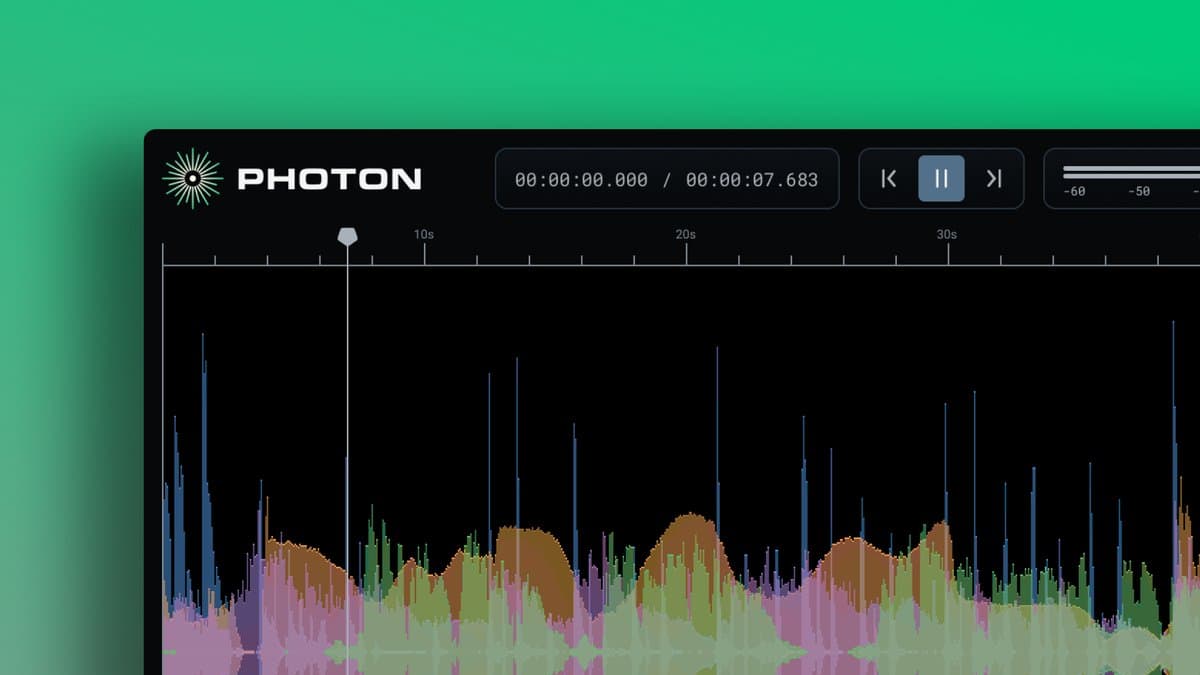
iZotope launched Photon on 3 November 2026: a standalone app and ARA2 plugin that splits mixes into stems and cleans up noisy recordings using 12 machine-learning models that run on your own GPU. Nothing is uploaded, there is no usage cap and no queue, and you can click anywhere in a clip to hear the result in seconds. It is $259 at Plugin Boutique until 7 December 2026 (from $349), and RX owners can crossgrade for as little as $49.
At a glance: six demix models (music, drums, voice, multi-speaker dialogue and film audio) and six denoise models (speech restoration plus indoor and outdoor noise profiles); standalone app and ARA2 plugin; reads audio and video files and exports WAV, FLAC, MP3 or video; Apple silicon Macs and Windows PCs with a 4 GB GPU. $259 at Plugin Boutique until 7 December, crossgrades from $49, subscription from $19 a month, free trial. A fast, local stem and cleanup tool, not a spectral repair suite.
What is iZotope Photon?
Photon is a new product line, not a new member of the RX family. iZotope built it with its own team and pitches it at quick fixes rather than "surgical puzzle solving". The job is simple to describe: drop in a song, a dialogue recording or a video, pick a model, and get usable stems or cleaner audio back without learning a spectral editor. For the detailed spectral work that RX is known for, iZotope still points you to RX 12.
The local processing is the main difference from browser-based stem splitters. All 12 models run on your computer's GPU, so private client audio stays on your drive, there is no monthly minute allowance to burn through, and you are never waiting behind other users. It is also the first iZotope product to install through the Boris FX Hub.
Demix models: six ways to split audio
Each demix model is tuned for a specific source, so the choice is less about quality settings and more about what you want out of the file.
| Model | Stems | Use it for |
|---|---|---|
| Music 4 Stems | Voice, drums, bass, other | Quick splits for practice, reference and rough remixes |
| Music 4 Stems Ultra | Voice, drums, bass, other | Stems that must stand alone: acapellas for remixes, sampling one instrument, live backing tracks |
| Drums 5 Stems | Kick, snare, hi-hat, toms, cymbals | Rebalancing a drum bus or pulling drum parts from a full song |
| Voice 2 Stems | Voice, music | Karaoke tracks and instrumentals |
| Voice Separator | Up to 6 speakers, plus room tone and background | Interviews, panels and podcasts with crosstalk |
| Cinema 4 Stems | Dialogue/voice, music, sound effects, other | Re-editing audio from film and video |
For producers, the interesting pair is Music 4 Stems Ultra and Drums 5 Stems. Ultra trades speed for sharper separation, which is what you need when a stem will be heard on its own, such as an acapella in a remix or a single instrument you plan to sample. Drums 5 Stems goes a level deeper than most four-stem splitters by breaking the drum part itself into kick, snare, hi-hat, toms and cymbals, from either a drum bus or a finished song. That lets you tighten a loose kick or tame a harsh cymbal in a bounce you no longer have multitracks for.
Voice Separator and Cinema 4 Stems are aimed at post-production and content work. Splitting up to six speakers into their own stems, with room tone and background kept separately, solves the classic podcast problem of one guest talking over another. Cinema 4 Stems reads the audio track of a video and gives you dialogue, music, effects and everything else as separate files.
Denoise models: cleanup without a learning curve
The other six models handle cleanup. Voice Restore is the broad one: it enhances speech by addressing noise, levels, mic tone and echo or reverb in one pass. The remaining five are environment profiles: Indoor, Indoor Noisy, Outdoor, Outdoor Traffic and Outdoor Wind. Rather than tuning thresholds and reduction curves, you choose the model that matches where the recording was made.
For music producers this is most useful on vocal demos recorded in untreated rooms, voice memos you want to turn into a song idea, and spoken-word samples. For video work it covers the usual location problems of traffic and wind.
ARA2 plugin and standalone workflow
Photon runs two ways. The standalone app imports files directly and exports the results, which is the route for any host without ARA2 support. The ARA2 plugin sits inside the timeline of hosts such as Pro Tools, REAPER and Cubase (plus Sequoia and Samplitude on Windows), and works from the whole clip rather than a real-time buffer.
Three details make the plugin version practical:
- Several models at once. You can run more than one model on the same material, for example a demix followed by cleanup.
- A processed-audio cache. Results carry across every instance of a clip in the session, so switching between models to compare them does not mean waiting for a second render.
- Click to preview. You do not have to process the whole file before hearing anything: click any point in the clip and the result plays back within seconds.
New and updated models arrive through the Model Manager, which downloads them without a reinstall. The Model Manager needs an internet connection; the processing itself does not.
iZotope Photon specifications
| Spec | Detail |
|---|---|
| Type | AI stem separation and audio cleanup (denoise) |
| Models | 12, processed locally on your GPU: 6 demix, 6 denoise |
| Formats | Standalone app; ARA2 plugin only (no plain VST3 or AU insert) |
| ARA2 hosts | Mac: Pro Tools, REAPER, Cubase and other ARA2 hosts; Windows: Pro Tools, Sequoia, Samplitude, REAPER, Cubase and other ARA2 hosts |
| Import | WAV, MP3, FLAC, AIFF/AIF, AAC, M4A, MP4, MKV, MOV, MXF, MPG (audio track of video files) |
| Export | WAV (bit depth follows source), FLAC, MP3, or video same as source with the original video stream; ProRes supported |
| Sample rate | Matches the source |
| Minimum file length | 0.5 seconds |
| macOS | macOS 14 or later, Apple silicon (M1 or later) required, uses CoreML; no Intel Macs |
| Windows | Windows 10 or later 64-bit, Intel Core i5 5th gen or better, GPU with at least 4 GB VRAM |
| RAM | 16 GB recommended, 8 GB minimum |
| Disk | 10 GB or more recommended |
| Installer | Boris FX Hub |
| Trial | Free trial available |
Photon vs SpectraLayers Pro 13 vs RX 12 Standard vs DAW stem splitters
| iZotope Photon | SpectraLayers Pro 13 | iZotope RX 12 Standard | DAW stem splitters | |
|---|---|---|---|---|
| Price | $259 at Plugin Boutique until 7 Dec ($349 list) | $359.99 at Plugin Boutique (Elements 13: $89.99) | $399 at Plugin Boutique | Included with Ableton Live 12 Suite (since 12.3) and Logic Pro |
| What it is for | Quick, local stem splits and noise cleanup | Spectral editing with AI unmixing | Detailed audio repair, not quick demix | Splitting audio inside the DAW you already use |
| Pick it if | You want stand-alone stems, drum parts, dialogue splits or cleanup without learning an editor | You want to paint, cut and rebuild audio on a spectral display | You need surgical repair on difficult recordings | You only split stems now and then |
Which to pick: if you already work in Ableton Live 12 Suite, its built-in Stem Separation covers vocal, drum, bass and instrumental splits at no extra cost, and Logic Pro users have Stem Splitter with individual drum parts. Photon earns its price when you need more than that: the Ultra model for stand-alone stems, five-way drum splits, multi-speaker dialogue, film audio and noise cleanup in one tool, or a stem splitter inside Pro Tools, REAPER or Cubase. If you want to paint, cut and rebuild audio on a spectral display, Steinberg SpectraLayers 13 is the deeper editor, and RX 12 Standard remains iZotope's own answer for detailed repair.
Who iZotope Photon is for
Buy it if you remix, DJ or sample and want clean acapellas, instrumentals or drum parts without uploading tracks to a website; if you edit podcasts, interviews or video and spend time separating speakers or fighting traffic and wind; or if you work in Pro Tools, REAPER or Cubase and want stem separation on the timeline. RX owners should look closely, because the crossgrades bring the price down to between $49 and $129.
Skip it if you are on an Intel Mac, which is not supported, or a Windows PC without a GPU with 4 GB of VRAM. Skip it too if your DAW already splits stems well enough for what you do; $349 at full price is a lot for a second four-stem splitter. If your DAW does not support ARA2, you can still use the standalone app, but you lose the timeline workflow. And if you need surgical spectral repair, RX 12 or SpectraLayers is the better tool. Bear in mind that the separation quality claims are iZotope's own, so the free trial is worth running on your own material first.
How much does iZotope Photon cost?
What you pay depends on what you already own. All Plugin Boutique prices below run until 7 December 2026.
| You own | Plugin Boutique price | List price |
|---|---|---|
| Nothing from iZotope | $259 | $349 |
| Any paid iZotope product | $179 | $269 |
| RX Elements | $129 | $199 |
| RX Standard | $74 | $149 |
| RX Advanced | $49 | $99 |
- $259 at Plugin Boutique, down from $349 (25% off) until 7 December 2026.
- Crossgrades at Plugin Boutique: from any paid iZotope product $179, from RX Elements $129, from RX Standard $74 and from RX Advanced $49.
- $259 at Best Service, with crossgrades from $49.
- Subscription from Boris FX at $19 a month or $119 a year. During the launch offer, new subscribers pay $11.97 for the first month or $89.25 for the first year.
- Free trial available.
iZotope's own store matches the $259 launch price until 7 December. Our iZotope Photon database entry tracks the price after the launch offer ends.
FAQ
Is iZotope Photon part of RX?
No. Photon is a separate product line with its own team, built for quick stem splits and cleanup. iZotope recommends RX 12 for detailed spectral repair. RX Elements, Standard and Advanced owners get crossgrade pricing, from $49 to $129 at Plugin Boutique until 7 December 2026.
Does Photon upload my audio?
No. All 12 models run locally on your GPU, with no uploads, no usage limits and no queue. You only need an internet connection for the Model Manager, which downloads new and updated models.
Does iZotope Photon work on Intel Macs?
No. On macOS it needs macOS 14 or later and an Apple silicon Mac (M1 or later). On Windows it needs Windows 10 or later 64-bit, an Intel Core i5 5th gen or better and a GPU with at least 4 GB of VRAM.
Is Photon worth it if my DAW already has stem separation?
Only if you need what the DAW tools lack. Photon adds a sharper Ultra model for stems that must stand alone, five-way drum separation, multi-speaker dialogue splitting, film audio stems and six denoise models, and it works as an ARA2 plugin in hosts like Pro Tools, REAPER and Cubase. For occasional four-stem splits, Live 12 Suite's Stem Separation or Logic's Stem Splitter may be enough.
Verdict
Photon is a focused, sensible addition to iZotope's range. Local GPU processing removes the upload, cap and queue problems of web-based splitters, the click-to-preview ARA2 workflow keeps you in the session, and the model list goes well beyond four stems, with five-way drum splits, multi-speaker dialogue and noise cleanup under one roof. At $259 until 7 December, and much less for RX owners, it is good value for remixers, samplers and anyone editing dialogue. The limits are clear: no Intel Macs, a 4 GB GPU requirement on Windows, ARA2 only for plugin use, and a $349 list price that is hard to justify if Live 12 Suite or Logic already covers your splits. Run the trial on your own material, and if the results hold up, buy before the launch price ends.