Some links on this page are affiliate links. If you buy through them, Dubspot may earn a commission at no extra cost to you. It never affects our scores or what we recommend — read our policy.
Novation FLkey 2 Review: FL Studio Gets a Screen
Novation FLkey 2 adds an OLED screen, semi-weighted keys, USB-C, and four sizes for FL Studio. Full specs, pricing, and how it compares to the MiniLab 37.
E
Elena Marsh
Updated July 14, 2026 · 9 min read
Black Friday 2026FL Studio Black Friday 2026: dates and deals →
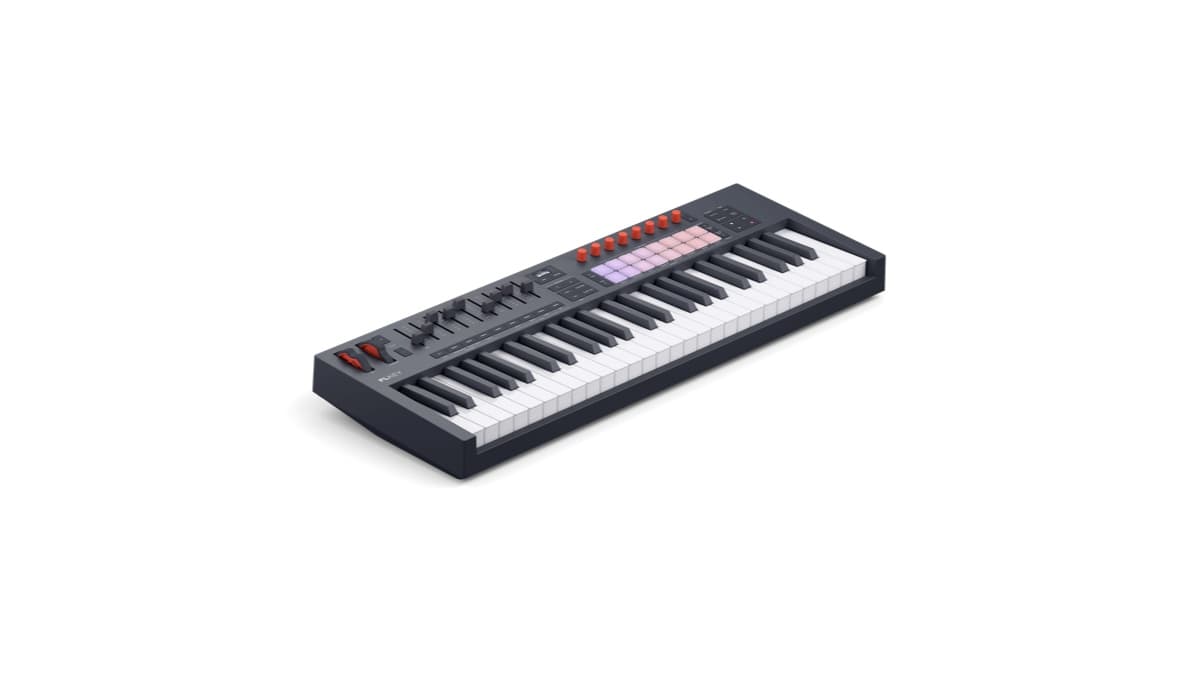
Novation has refreshed the only MIDI keyboard range built specifically for FL Studio. The FLkey 2, announced in May 2026, is the second generation of that line. It answers the two biggest complaints about the original: no screen, and a keybed that felt basic on the larger models. The update adds an OLED display, semi-weighted waterfall keys on the 49 and 61, USB-C, and the same deep FL Studio mapping that made the first FLkey worth owning.
What is the Novation FLkey 2?
The FLkey 2 is a range of MIDI keyboard controllers designed around FL Studio. Novation builds the integration in partnership with Image-Line, so the hardware maps directly onto FL Studio's Channel Rack, Mixer, Browser, and transport. That deep mapping is the whole pitch. You spend less time dragging a mouse through menus and more time playing, sequencing, and mixing from the keys.
The range covers four sizes, from a compact mini-key model up to a full 61-key board. Every model shares the same creative tools and the same 16-pad, eight-encoder control surface. The main differences come down to keybed size, a set of faders, and a handful of extra workflow buttons on the larger units.
This is a focused product. It is not trying to be a universal controller for every DAW. It aims to be the best possible companion for one, and that clarity shapes every decision Novation made. Novation has since added a grid companion, the 64-pad Novation FLpad.
What's new in the FLkey 2?
The headline change is the OLED display. The original FLkey had no screen at all, so you tracked chords, scales, and device parameters on your monitor. The new screen shows that information on the hardware itself. It names chords as you play them, confirms which scale is active, and displays parameter values as you turn an encoder. For anyone learning theory or programming on the fly, it removes a lot of guesswork.
The second big change is the keybed. The 49 and 61-key models now use semi-weighted, waterfall-style keys, a clear upgrade from the synth-action keys on the first generation. If you play parts rather than draw them in, the difference is immediate. The Mini 25 keeps a compact synth-action keybed and swaps the pitch and mod wheels for touch strips, which keeps it small and travel-friendly. Players who need more range and onboard sounds should look at a stage board such as Yamaha's CK76 instead.
Beyond those two, the FLkey 2 tightens up the rest of the package:
- 16 velocity-sensitive RGB pads with polyphonic aftertouch, a step up in expression over the first generation
- Eight endless encoders with a streamlined mode setup that folds the old Volume and Pan controls together
- Nine faders on the 49 and 61 for mixer levels and plugin control
- USB-C connectivity, replacing the older USB-B port, with bus-powered operation
- A dedicated MIDI Out port for driving external synths and drum machines
- NKS compatibility for browsing and controlling Native Instruments instruments
- Mackie HUI support so the hardware also works, more simply, in other DAWs
FL Studio integration: what the FLkey 2 actually controls
The reason to buy an FLkey over a generic controller is the mapping, and this is where the range earns its name. Out of the box, the hardware drives FL Studio's Channel Rack for step programming, the Mixer for levels and sends, and the Browser for loading sounds without touching the mouse. Transport controls handle play, stop, record, and loop directly.
The creative tools are built for songwriting, not just triggering. Scale mode locks the keys to one of 30 scales, so every note you play stays in key. Three Chord modes let you play full chords from single keys, build custom voicings, and hold shapes hands-free. The arpeggiator includes a step editor for shaping rhythm and pattern rather than settling for a fixed up-down run. On the OLED, all of this is labelled clearly as you go.
The 49 and 61 add dedicated workflow buttons the smaller models leave out, including Pattern and Song mode switching and Undo/Redo. Those are small touches. But they keep your hands on the hardware during the fiddly parts of arranging.
Novation FLkey 2 specifications
| Spec | Detail |
|---|---|
| Models | FLkey Mini 25, FLkey 37, FLkey 49, FLkey 61 |
| Keys | 25 mini (synth action); 37 full-size; 49 / 61 semi-weighted waterfall |
| Pads | 16 velocity-sensitive RGB pads with polyphonic aftertouch |
| Encoders | 8 endless encoders |
| Faders | 9 (FLkey 49 and 61 only) |
| Display | OLED |
| Creative tools | Scale mode (30 scales), 3 Chord modes, arpeggiator with step editor |
| FL Studio control | Channel Rack, Mixer, Browser, transport, plugin parameters |
| Other-DAW support | Mackie HUI, NKS |
| Connectivity | USB-C (bus powered), MIDI Out, sustain input |
| Pitch / mod | Wheels (37 / 49 / 61); touch strips (Mini 25) |
| Bundled software | 6 months FL Studio Producer Edition, 20+ plugins, Melodics lessons |
| Price | $129.99 (Mini 25) to $329.99 (61) |
Novation FLkey 2 vs Arturia MiniLab 37
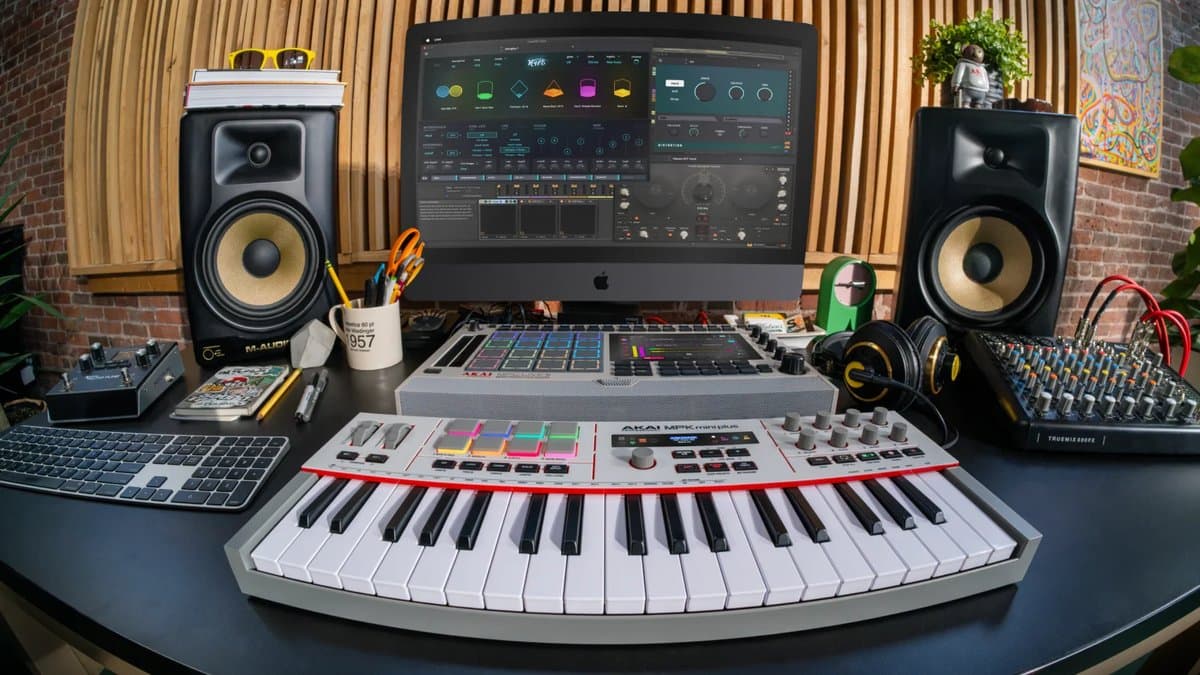
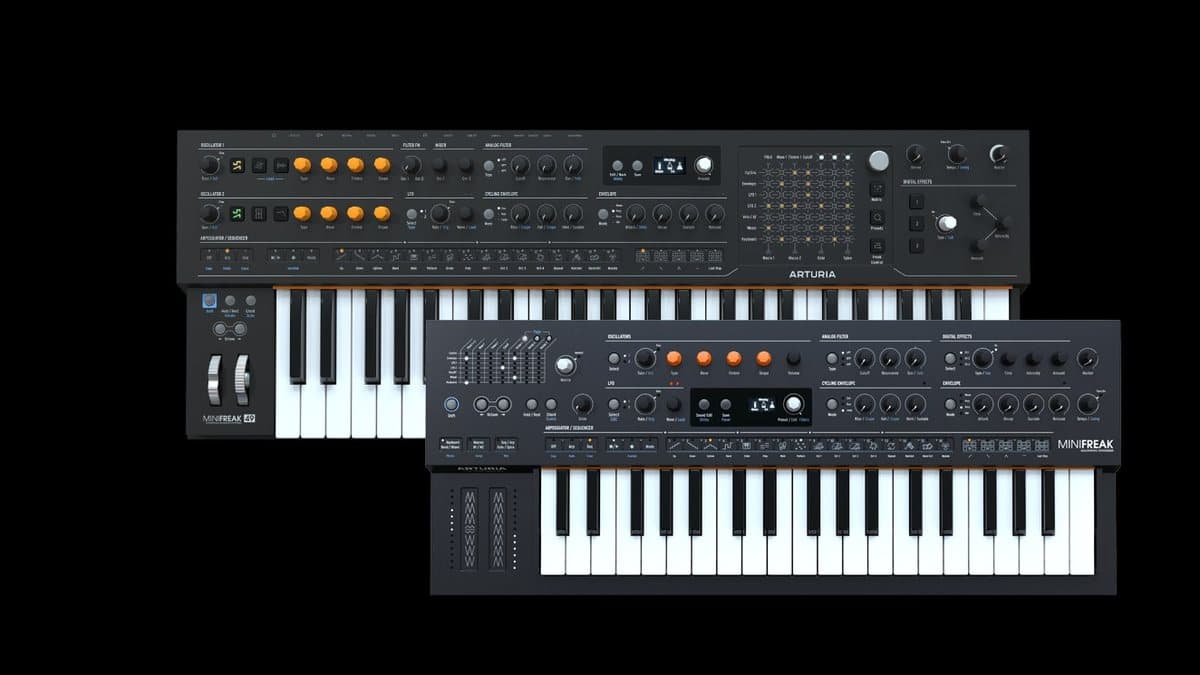
The obvious cross-shop is Arturia's MiniLab 37, the controller we recommend most often for producers who want a compact, do-everything board. The two answer different questions. The FLkey 2 is the specialist; the MiniLab 37 is the generalist. Akai's MPK Mini Plus II 37-key controller is a third option, built around MPC integration and CV outputs.
| Novation FLkey 2 (37) | Arturia MiniLab 37 | |
|---|---|---|
| Keys | 37 full-size | 37 slim |
| Pads | 16, poly aftertouch | 8 |
| Encoders | 8 endless | 8 endless |
| Faders | None on the 37 | 4 |
| Display | OLED | OLED |
| DAW focus | Deep FL Studio integration | DAW-agnostic |
| Bundled software | 6 months FL Studio Producer + 20+ plugins | Analog Lab and sound content |
| Price | $229.99 | Around $199 |
The honest read: if FL Studio is your home, the FLkey 2 controls it in a way no rival matches, and the six-month Producer Edition subscription sweetens the deal for newcomers. If you move between DAWs or lean on Arturia's Analog Lab, the MiniLab 37 is the more flexible buy. Neither is "better" in a vacuum; they are built for different studios. For the wider field, our best MIDI keyboards of 2026 guide puts both in context.
Who the FLkey 2 is for
The FLkey 2 is for producers who live in FL Studio. If you program beats in the Channel Rack, mix in the Mixer, and arrange in the Playlist every day, this hardware maps onto that workflow more directly than anything else you can buy. Beatmakers get expressive pads with aftertouch; songwriters get scales, chords, and a proper keybed on the larger models.
It is a weaker fit if you regularly switch DAWs. The Mackie HUI mode works in Ableton, Logic, and others, but it is basic next to the bespoke FL Studio integration, so you lose the best part of the product. If you spend half your time in another DAW, a more neutral controller serves you better. And if you already own a capable keyboard and rarely reach for it, no controller upgrade will change your habits. Our feature on treating controllers as instruments is a good gut-check on whether more hardware will actually help you finish tracks.
How much does the FLkey 2 cost?
Novation prices the range by keybed size:
- FLkey Mini 25 — $129.99 (from £109.99 in the UK)
- FLkey 37 — $229.99
- FLkey 49 — $279.99
- FLkey 61 — $329.99
Every model ships with six months of FL Studio Producer Edition, more than 20 premium plugins from Novation, Native Instruments, GForce, Klevgrand, and Orchestral Tools, plus finger-drumming and keyboard lessons from Melodics. Full bundle details are on the official Novation FLkey 2 page.
Check FLkey 2 price at ThomannBuilding out the rest of the setup? You can browse instruments to feed it at Analog Lab Pro on Plugin Boutique, and sample packs in the Plugin Boutique sample-pack catalog.
FAQ
Is the FLkey 2 worth upgrading from the original FLkey?
If you found yourself watching your monitor for chord and parameter feedback, yes. The OLED display and the semi-weighted keybeds on the 49 and 61 are the two upgrades that change day-to-day use. If your first-generation FLkey still does the job and you rarely play parts in, the jump is less urgent.
Does the FLkey 2 work with other DAWs?
Yes, but with a caveat. It supports Mackie HUI and NKS, so it functions as a general controller in Ableton Live, Logic, and others. The deep, dedicated integration is exclusive to FL Studio, so you lose the FLkey's biggest advantage outside it.
Which FLkey 2 model should I buy?
For a compact, portable setup, the Mini 25 or 37 covers programming and short parts. For playing, the 49 and 61 add semi-weighted keys, faders, and extra workflow buttons. Choose by how much you actually play the keys versus program them.
Novation FLkey 2 vs Arturia MiniLab 37 — which is better?
Pick the FLkey 2 if FL Studio is your main DAW; nothing controls it as tightly. Pick the MiniLab 37 if you switch DAWs or want Arturia's Analog Lab sounds. They are aimed at different producers.
The bottom line
The FLkey 2 is a focused, well-judged update. The OLED screen and semi-weighted keys close the two biggest gaps in the original, and the FL Studio integration is still unmatched. It will not win over producers who split their time across DAWs, and the bundled subscription is temporary rather than a permanent license. But if you live in FL Studio, this is the controller built for you, and the software bundle makes it an easy recommendation for producers just starting out.