DAWs, plugins, and the software shaping modern production.
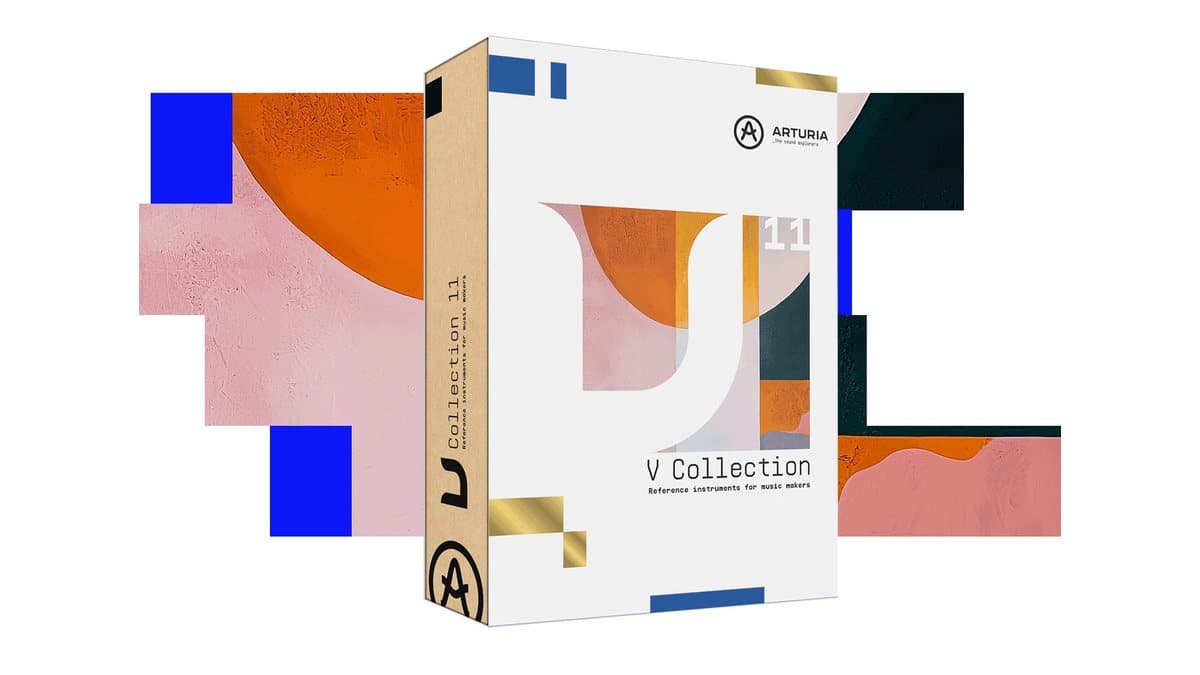
Seven plugin bundles worth buying on Black Friday 2026: V Collection 11 Pro, Komplete 26, FabFilter, Soundtoys 5.5, MPS 9, Waves Platinum, Total Studio 5 MAX.
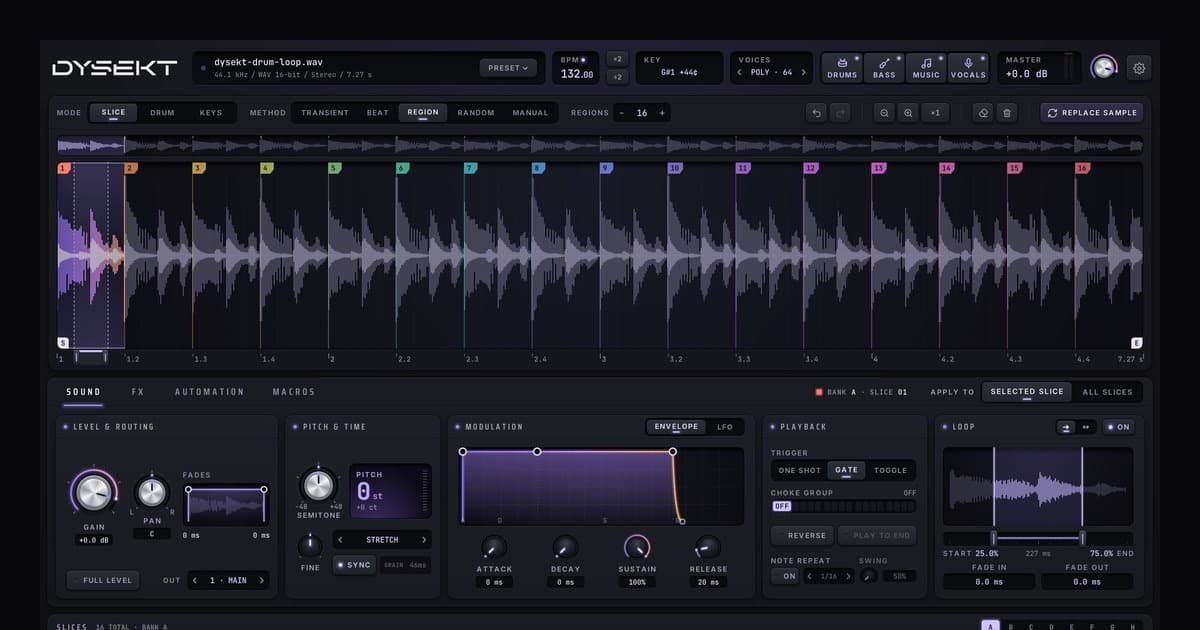
Defuse Audio DYSEKT is a 45 EUR slicer, drum sampler and multisampler with on-device stem separation and effects on every one of its 128 slices.
Tracker Pro 1.1 for iPad adds Mutable Instruments Beads granular devices, web sampling with Sample Crate, multi-sample kits and 8 FX per step. On sale, $19.99.
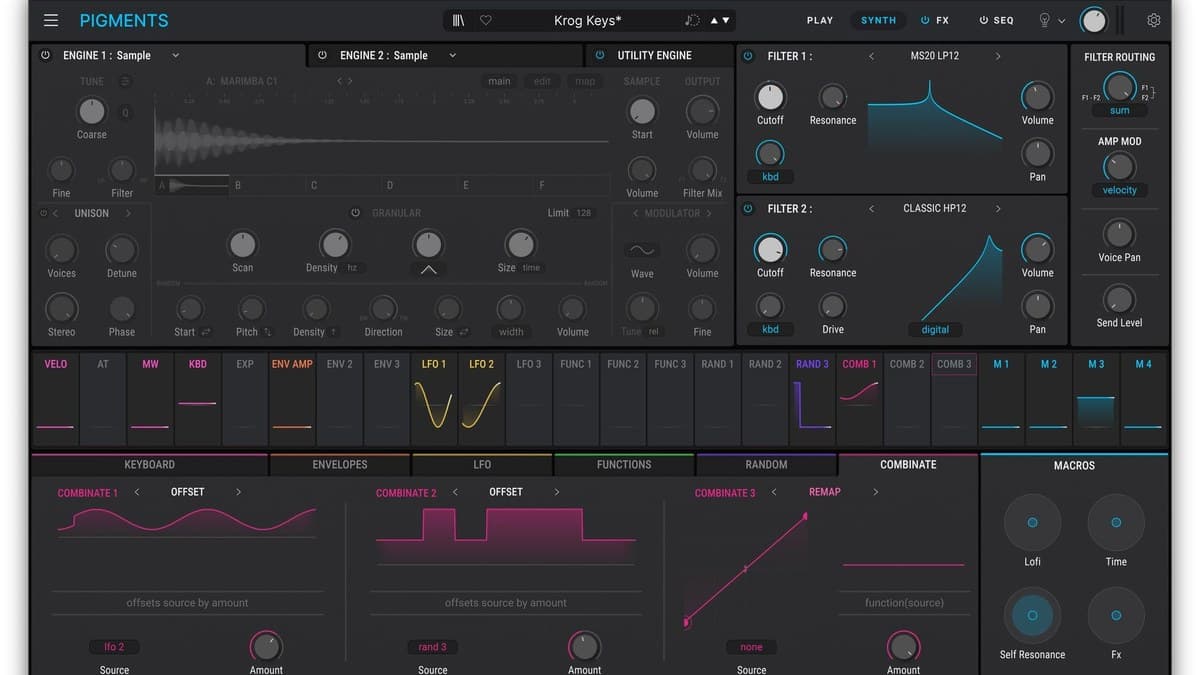
The best paid synth VST plugins of 2026: Pigments 7, Serum 2, Diva, Phase Plant, Falcon, Omnisphere 3, V Collection 11 and Spire, with prices and trade-offs.
GForce relaunched its website and is giving away two plugins free: Axxess, an ARP Axxe synth, and M-Tron Select 2, a curated Mellotron M400 instrument.
UVI Workstation is now UVI Player, a free host that loads every Falcon Expansion without a Falcon licence. Specs, system needs, Kontakt Player comparison.
HOLODRIFT pairs eight granular slots with a real-time spectral engine that rebuilds any sound partial by partial. €119 launch price to Oct 30. Specs, rivals, verdict.
zplane TONIC 2 detects the key and scale of any audio or MIDI in real time, suggests chords you can drag into your DAW, and upgrades from TONIC 1 for 10 euros.
SPRITZ chains 11 curve-driven effects, from tape stops to pitch flips, with eight scenes per preset and 912 presets for $49. Specs, rivals and who should buy.
Stride hosts the synths and effects you own and writes a fresh, tempo-locked curve on every mapped knob per click. Price, specs, rivals and who it suits.
Cableguys TimeStop is a tape-stop plugin that draws slowdowns as DAW automation, with Classic, Modern and Loop modes. From 16 EUR in VST3, AU and AAX.
Sonuscore LUX Orchestral Brass records six real dynamic layers on the LUX Strings stage, with Auto Divisi and 53 mics. Features, specs, price and rivals.