DAWs, plugins, and the software shaping modern production.
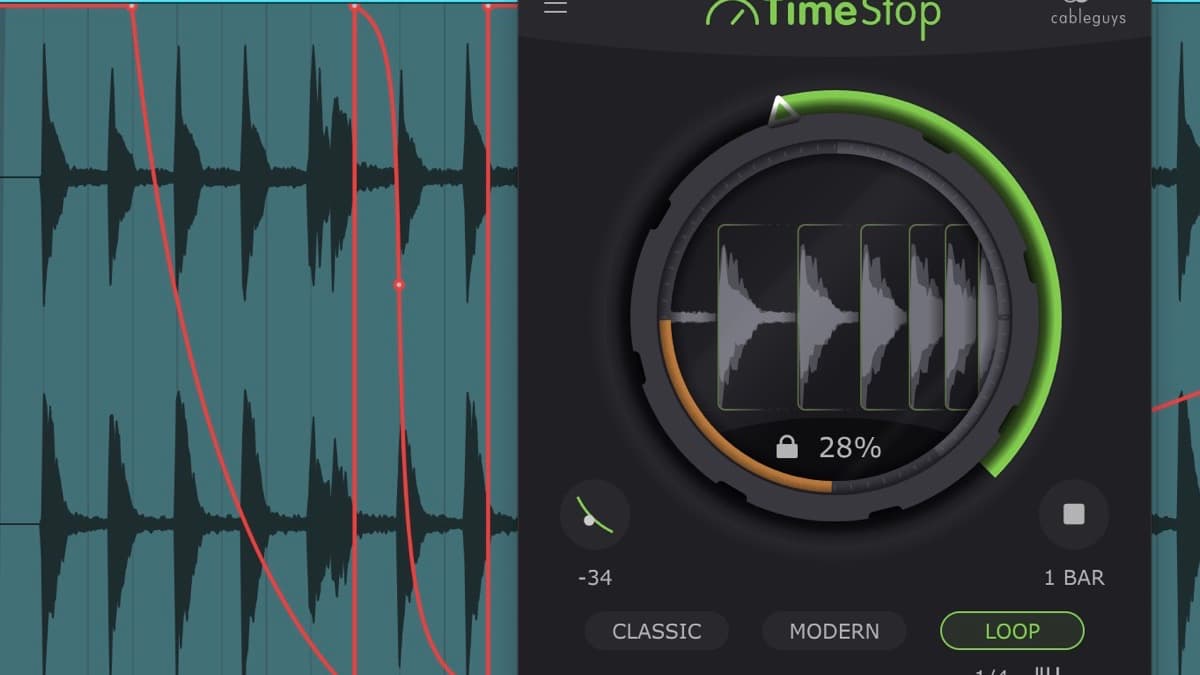
Cableguys TimeStop is a tape-stop plugin that draws slowdowns as DAW automation, with Classic, Modern and Loop modes. From 16 EUR in VST3, AU and AAX.
Sonuscore LUX Orchestral Brass records six real dynamic layers on the LUX Strings stage, with Auto Divisi and 53 mics. Features, specs, price and rivals.
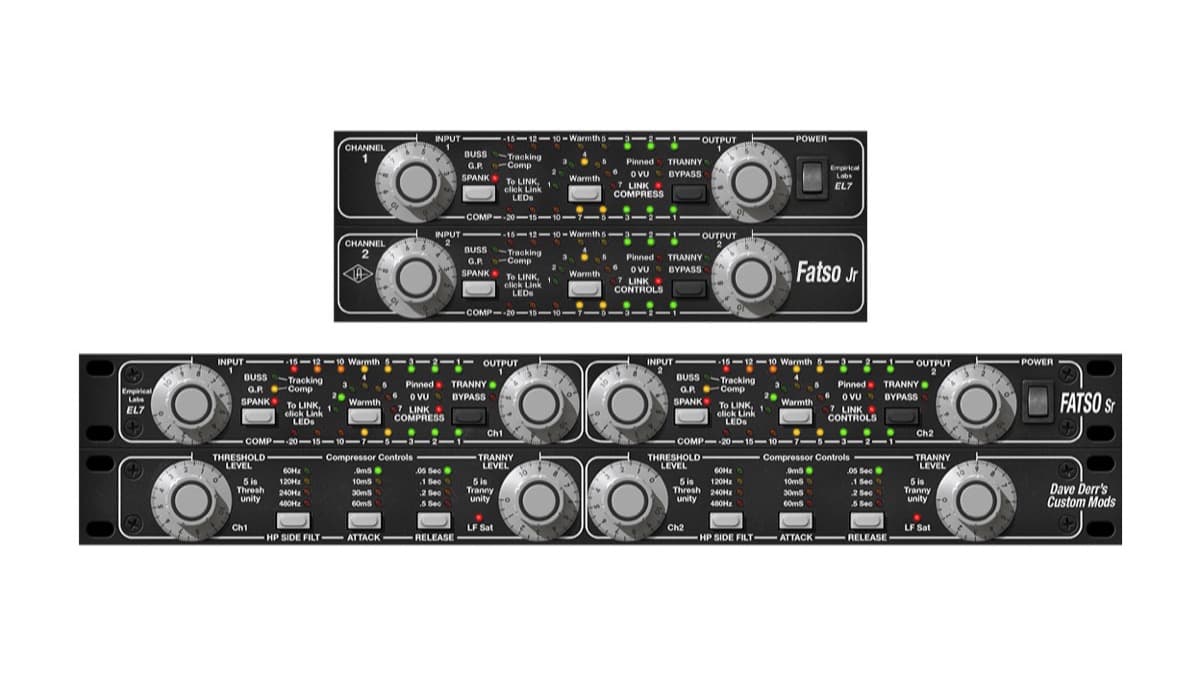
UA's Empirical Labs FATSO is now a native plugin for any DAW: tape-style saturation, transformer warmth and four compression modes. Intro $79, regular $149.
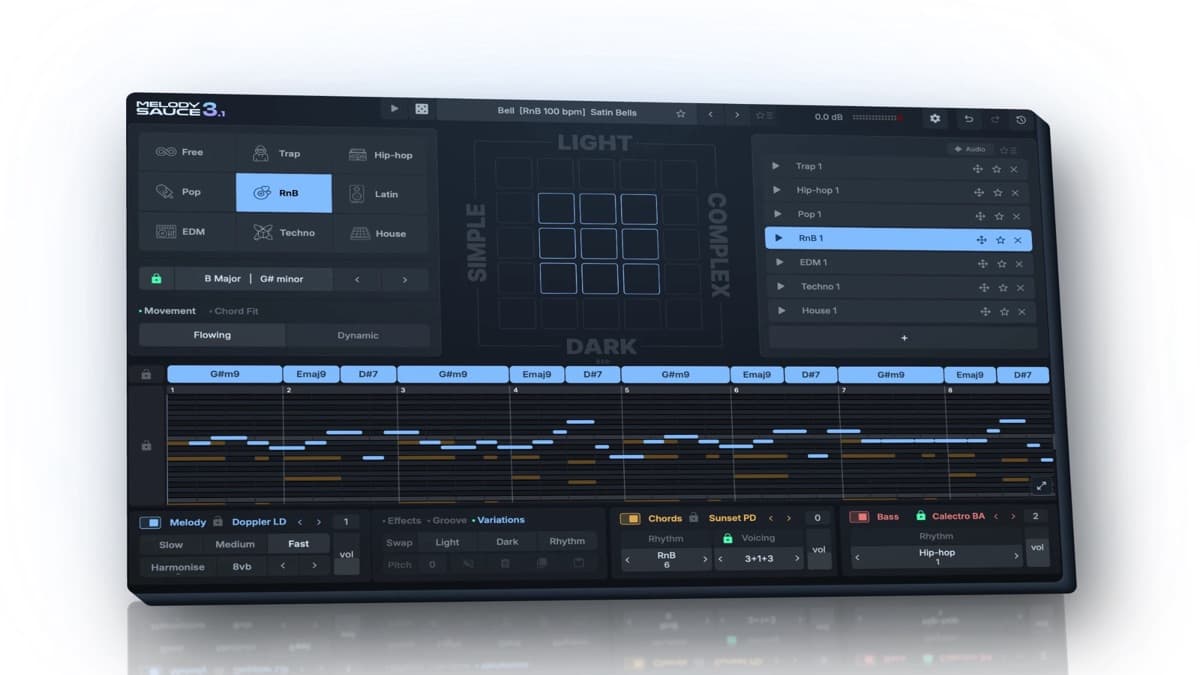
EVAbeat Melody Sauce 3 is a MIDI idea generator for melodies, chords and bass, with 1,000+ progressions, a piano roll, plugin hosting and audio export. From $79.
InstaComposer 4 from W.A. Production adds MIDI Engine 2.0, Groove and Foliage controls, SoundFont loading and a built-in mixer. Intro price $29.90.
UJAM BOUNCE is a Y2K R&B and hip-hop pair: Beatmaker BOUNCE for drums and Usynth BOUNCE for synths. Full specs, pricing, demos, and how it compares.
Imaginando COLAPSO is an additive synthesizer built from the measured emission spectra of 22 chemical elements. Full specs, pricing, and how it compares.
Audio Blast V10F is a monophonic virtual analog synth inspired by the Kawai 100F, with a step sequencer and 512 presets. EUR 77 until 30 October 2026, then EUR 129.
BOOM Library UBERBASS is a harmonic bass enhancer. BOOM lists $92 from $115 excluding VAT, and Best Service lists the intro at $94.20 from $118 excluding VAT.
Tupos MPE Subtractive is a 19.99 euro MPE synth for Mac and Windows, with two oscillators, a resonant filter, an arp, a sequencer, and eight effect slots.
UB DSP Filter Blender mixes three of twelve analog filters on a triangle, for Mac, Windows, and Linux. It is $39 until 15 November 2026, then $68 USD.
AudioThing Materia is an additive re-synthesizer that rebuilds any sample from 96 harmonic partials, with 10 filter types and four FX, from 39 euros.